For restaurants, cafés and pubs
A menu that is always current, and tables that book themselves.
A menu page in English and French, table bookings with a waitlist, and pickup orders from your own online shop. For a restaurant, café or pub in New Brunswick, in Canadian dollars, with no contract.
What it costs you today
-
The menu on the website is last season's
Categories, dishes, prices, allergens and the daily specials are edited in one screen, and the public menu page follows. A dish that has run out gets marked sold out instead of being crossed out on a PDF.
-
The phone rings in the middle of service
A guest picks a date, a time and a party size on your booking page. The system assigns a table, and when the room is full the guest joins a waitlist instead of being turned away, so a cancellation at seven can fill the table at eight.
-
Pickup without a third-party app
Your own online shop takes the order and lets the customer choose a pickup time slot that you set: slot length, notice and a cap per slot. The customer pays by card or at pickup, and you keep the customer.
What fixes it
Each part of the system, with the plan that includes it. The labels are read from the plans themselves, so they cannot drift out of date.
-
01
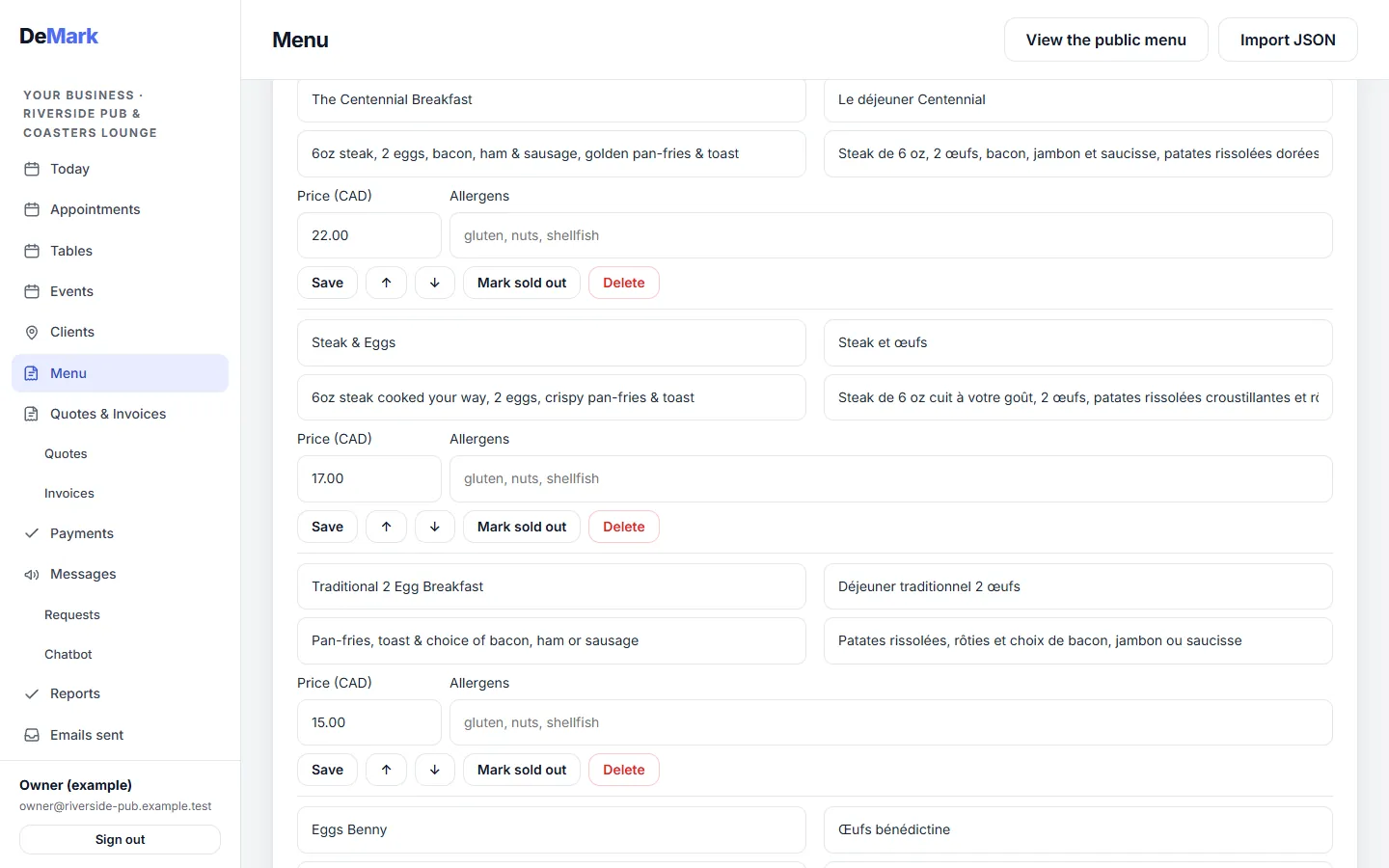
Your menu in English and French, from one screen
Included in Essential
Name, description, price and allergens for each dish, in both languages, plus the specials of the day. There is a public menu page your guests can open from their phone, and you can import your dishes from a file.
-
02
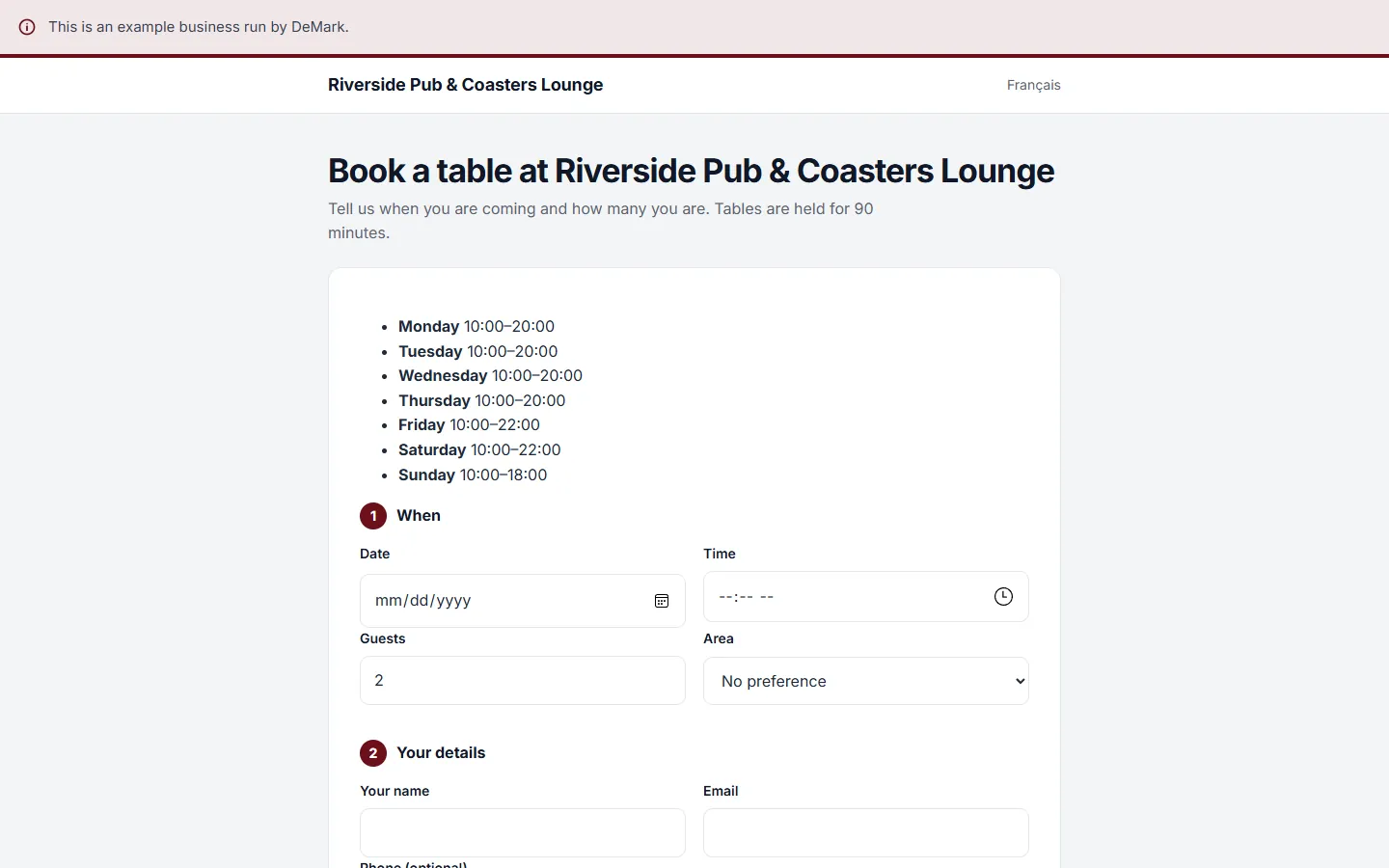
A table booking page that picks the table for you
Included in Complete
Guests choose the day, the time, the number of people and, if you have them, the area. A table is held for 90 minutes by default, and you can change that. The guest gets a confirmation by email.
-
03
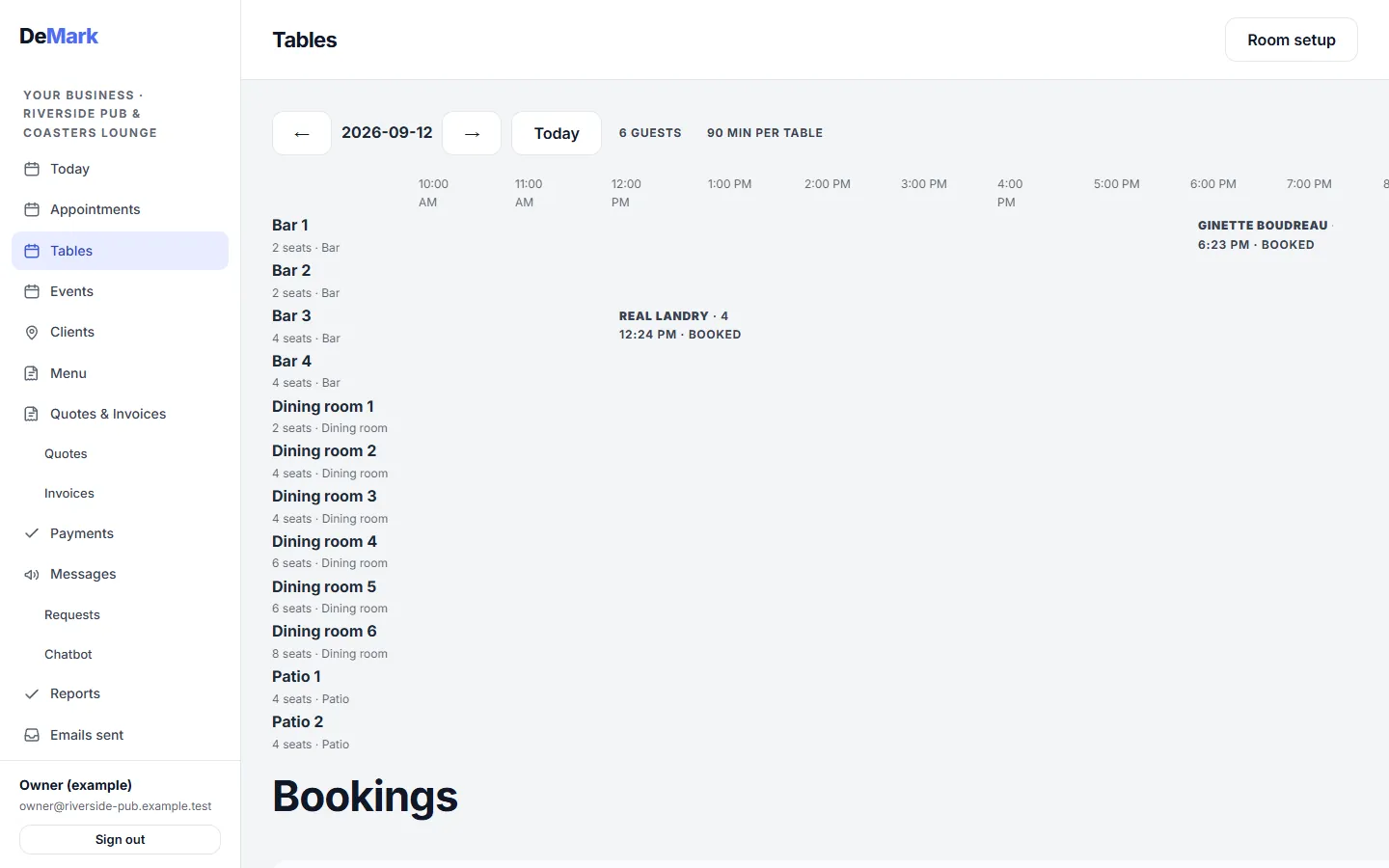
The evening on one timeline, room by room
Included in Complete
Set up your bar, dining room and patio once, with the seats at each table. The day view shows who is booked where, and marks guests who arrived or did not show.
-
04
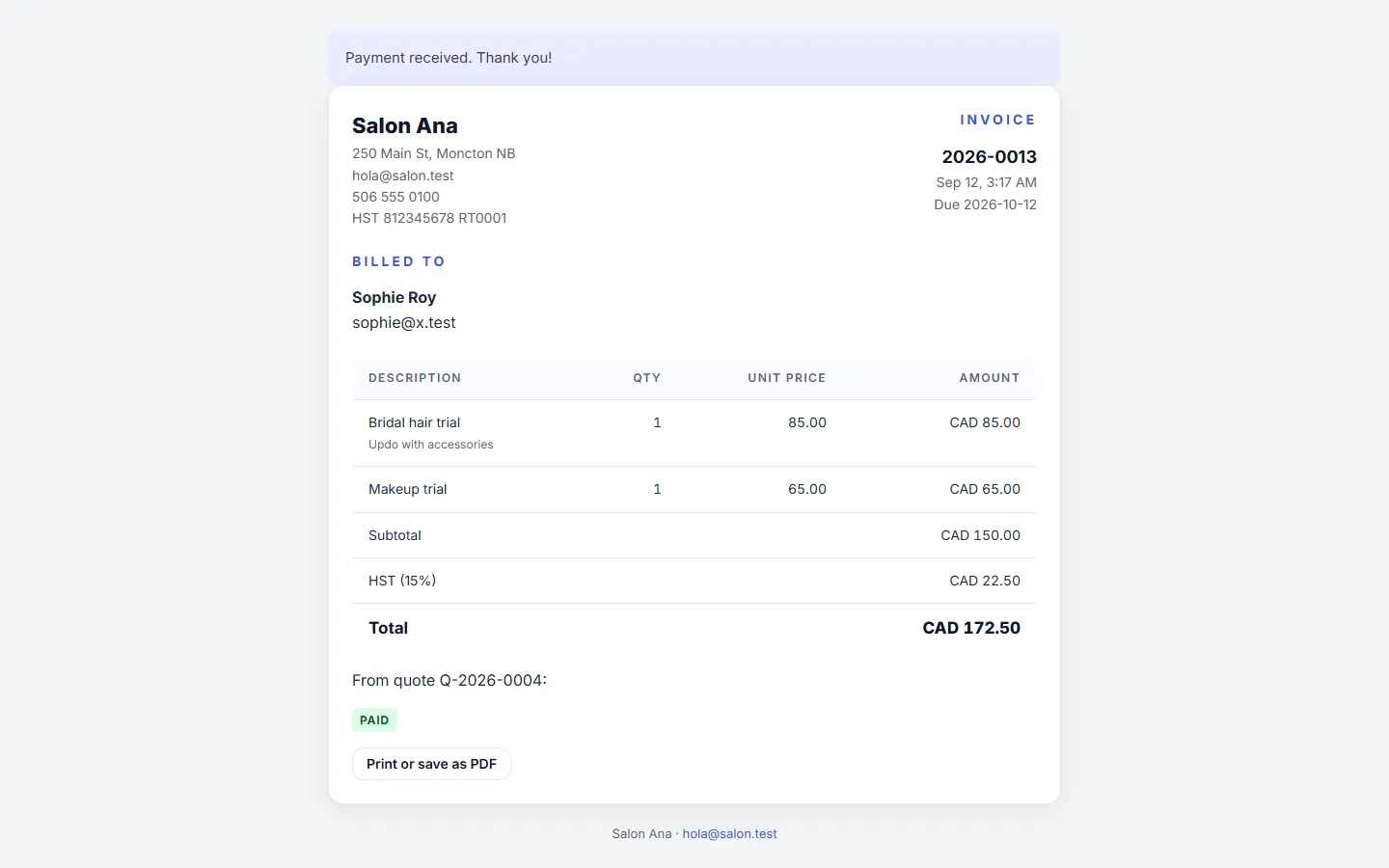
Card payments straight into your own account
Included in Complete
Pickup orders from your online shop and invoices for a catering job can be paid by card. The money goes to your own Stripe account; DeMark takes nothing on top of Stripe's own fee.
-
05
Your regulars on a client card
Included in Essential
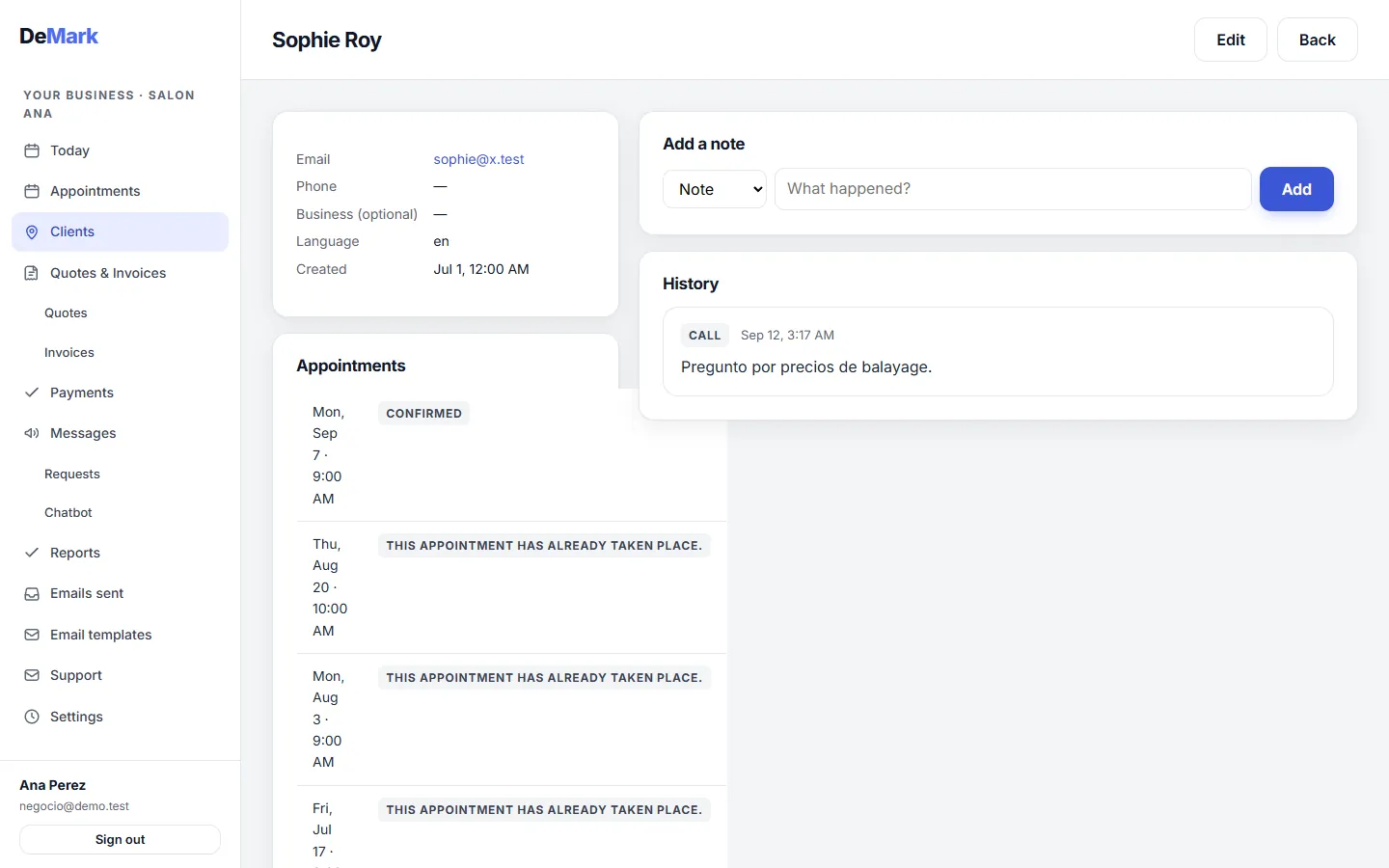
Contact details, visit history and your own notes, such as the birthday booking or the allergy you were told about on the phone.
See an example
This is a real website built on the template that fits this kind of business, filled in for an example business run by DeMark, not a customer. Open it and click around, then ask for a draft with your own name on it.
Open the live example Browse all website templates Get a free website draft
Pricing
Two plans, billed monthly.
Start with 7 days of Complete, no card needed. No setup fee, no commission, cancel any month.
-
Essential
49 CAD per month -
Complete
99 CAD per month
Questions we get from this trade
- Can guests order from the menu page?
- The menu page shows your dishes, prices and allergens. Pickup orders go through the online shop, where you list what you sell for pickup and set the time slots. Booking a table is a separate page.
- What happens when the room is full?
- The booking goes onto a waitlist and the guest is told by email. If someone cancels, the table is free again for the next booking.
- Do you take a commission on orders or bookings?
- No. You pay the monthly membership. Card payments go through your own Stripe account, and Stripe's own fee is the only one on top.
- Is the menu and the booking page in French too?
- Yes. You write each dish in both languages, and the booking page and the confirmation emails are in English and French.
- Do I need the Complete plan for the menu?
- No. The menu page comes with every plan. Table bookings and the online shop are part of the Complete plan; each feature above shows the plan that includes it.
Try it with your own clients.
7 days of Complete, no card needed. Your advisor sets it up with you, and cancelling before the trial ends costs nothing.